A Couple Pics
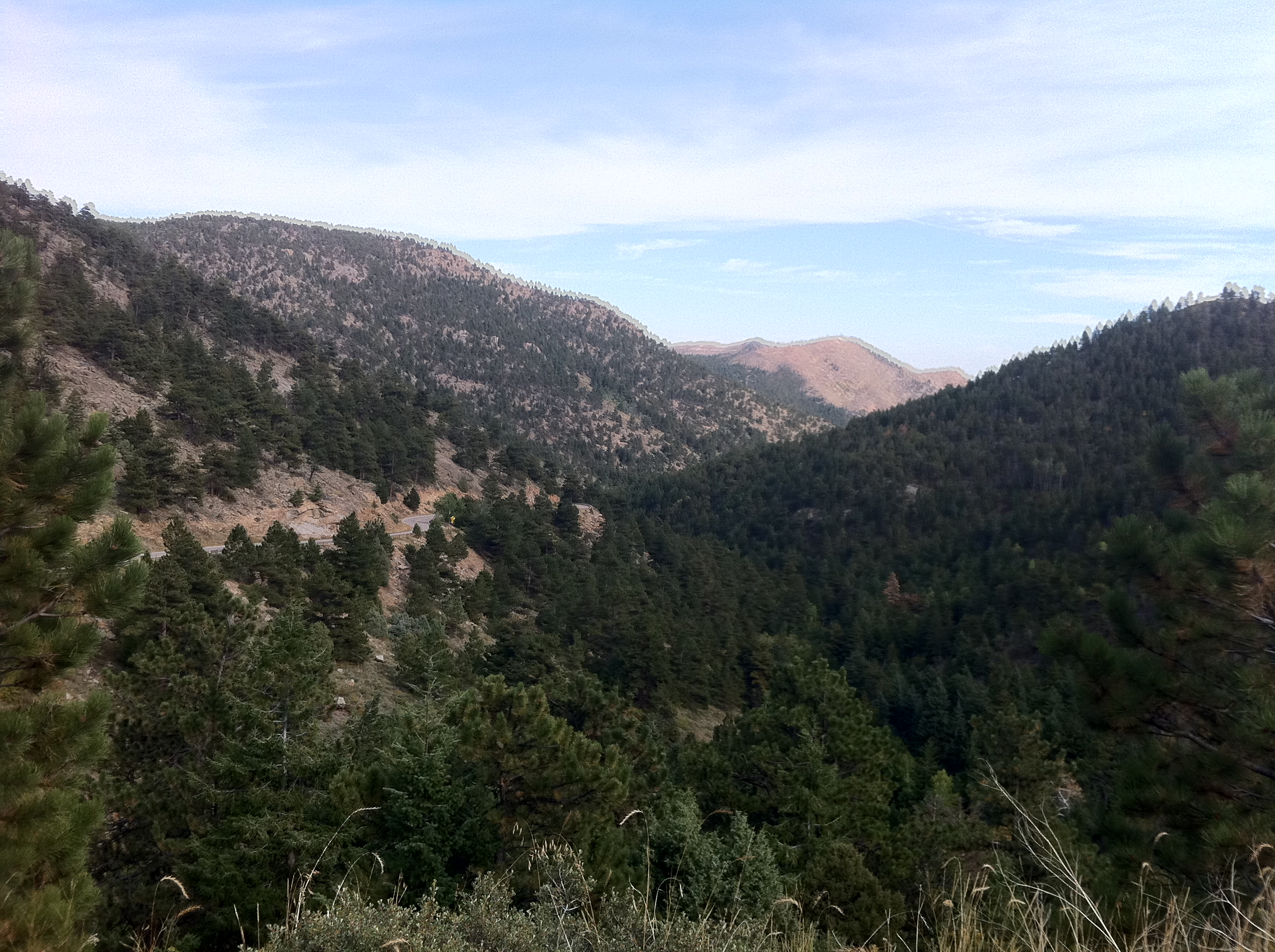
I took this photo yesterday looking down above Jamestown. I took it with the HDR mode of my iPhone, and you can clearly see I did not keep the camera steady. Still, I think it's a cool picture, and the ghosting on the ridges is kind of interesting.
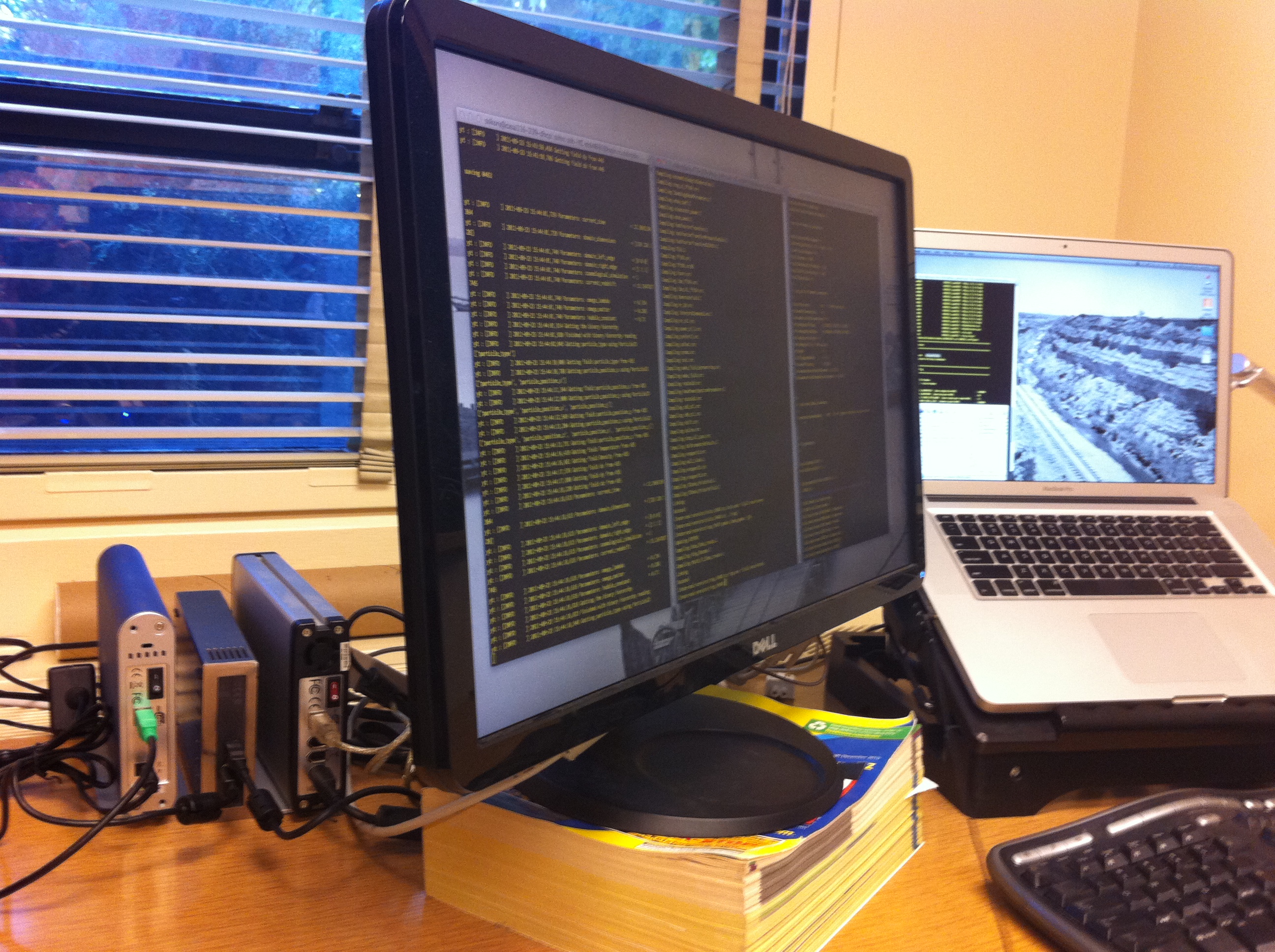
I've decided to modify how we back up our lappies at home. Instead of using SuperDuper! to back them up to individual external drives, I'm now backing them up to the Drobo using the sparsebundle backup mode of SuperDuper! over the network. This actually effectively doubles the number of backups for each lappy, but centralizes them for efficiency. As you can see below, I've brought the hard drives to school, where I've turned them into a striped RAID 500GB array. Making them striped (as opposed to concatenated JBOD) increases the IO speed by roughly 30% over the standard case. Copying a 3.5GB file to any of them individually (or together in JBOD mode) takes about 120 seconds, but as a striped RAID it takes 80 seconds. 500GB isn't big by today's standards, a 2TB disk costs less than $100, but I already had these disks, so it's effectively free. So, why not?
A Curtain of Rain

Heading west on my ride yesterday I saw this curtain of rain falling in the distance. As it happened, I was riding west and I did get rained on by this front a few minutes after taking this picture. It wasn't too bad, just enough to get my legs dirty from spray off my front wheel, mostly.
more ...Paper beats Rock, Bears beat Buffs
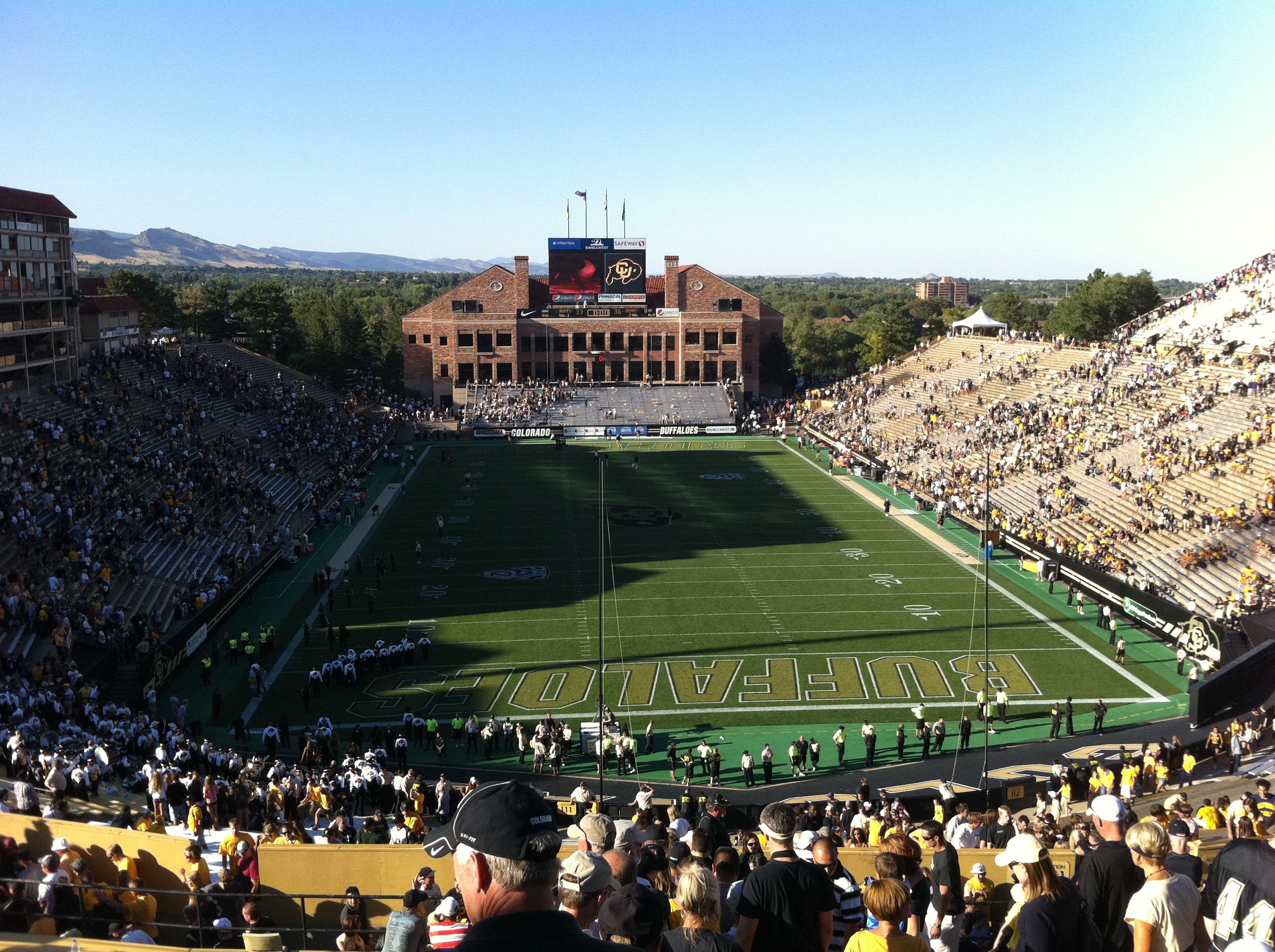
A few days ago, on Saturday September 10, I attended the collegiate American football match between the University of California Golden Bears and the University of Colorado Buffaloes. Although we've lived in Boulder for over a year, and I work in the football stadium, this was the first Buffs game I have attended.
The game was an exciting one. The Bears led for most of the game, but the Buffs tied the game in the last minute of regulation, sending the game into overtime. Quite surprisingly, the Bears managed to win in overtime, something that as a True Blue, I am not used to seeing from my Bears.
This is the first season where the Buffs are a member of the Pac-12. I think they are not quite up to the standards of the Pac-12. Here are some of my observations from the game.
- The security getting into the game was a perfect example of security theater. They patted people down in a very cursory way searching for who-knows-what. Once inside the stadium, I didn't see security officers in the stadium at all until the end of the game. In the closing moments they were positioned in front of the student section in a weak attempt to prevent the students from rushing the field. How are 20 people in yellow jackets going to stop 4,000 drunk undergraduates? In the end, because the Buffs lost, the students stayed put.
- Note to self: For the next game I attend, I'm putting all kinds of goodies in my office the day before the game. No one seemed to notice when I went inside to get my water bottle this time (to avoid paying $3.75 (!) at the concessions for water), so I figure I can store even more stuff.
- The stadium feels a bit dated, kind of like Memorial was before reconstruction. The isles are tight and the access gates are narrow. The loudspeakers are located at one end of the stadium, meaning that they have to be extra loud to reach the other end. The head referee's microphone didn't work, so we had to guess what penalties were or catch the hand signals (which was difficult because he faced the other way during announcements). However, the views of the front range and flatirons are supreme.
- I noticed several times during the game that the PA people are, frankly, rude. I always thought that music is required to be turned off during plays, but the PA people would let it continue into the beginning of plays. Also, at least once when the Cal Band started to play after a Cal score, the PA played music over them. It's one thing to play over the 183rd playing of "Tribute to Troy" when playing U$C, but it's unacceptable to play over the Cal Band.
The only cool thing about CU is the running of the buffalo, Ralphie. I think there should be the running of the bear. How about a 800-lb grizzly bear running across the pitch at Memorial Stadium?
more ...
Angry Clouds
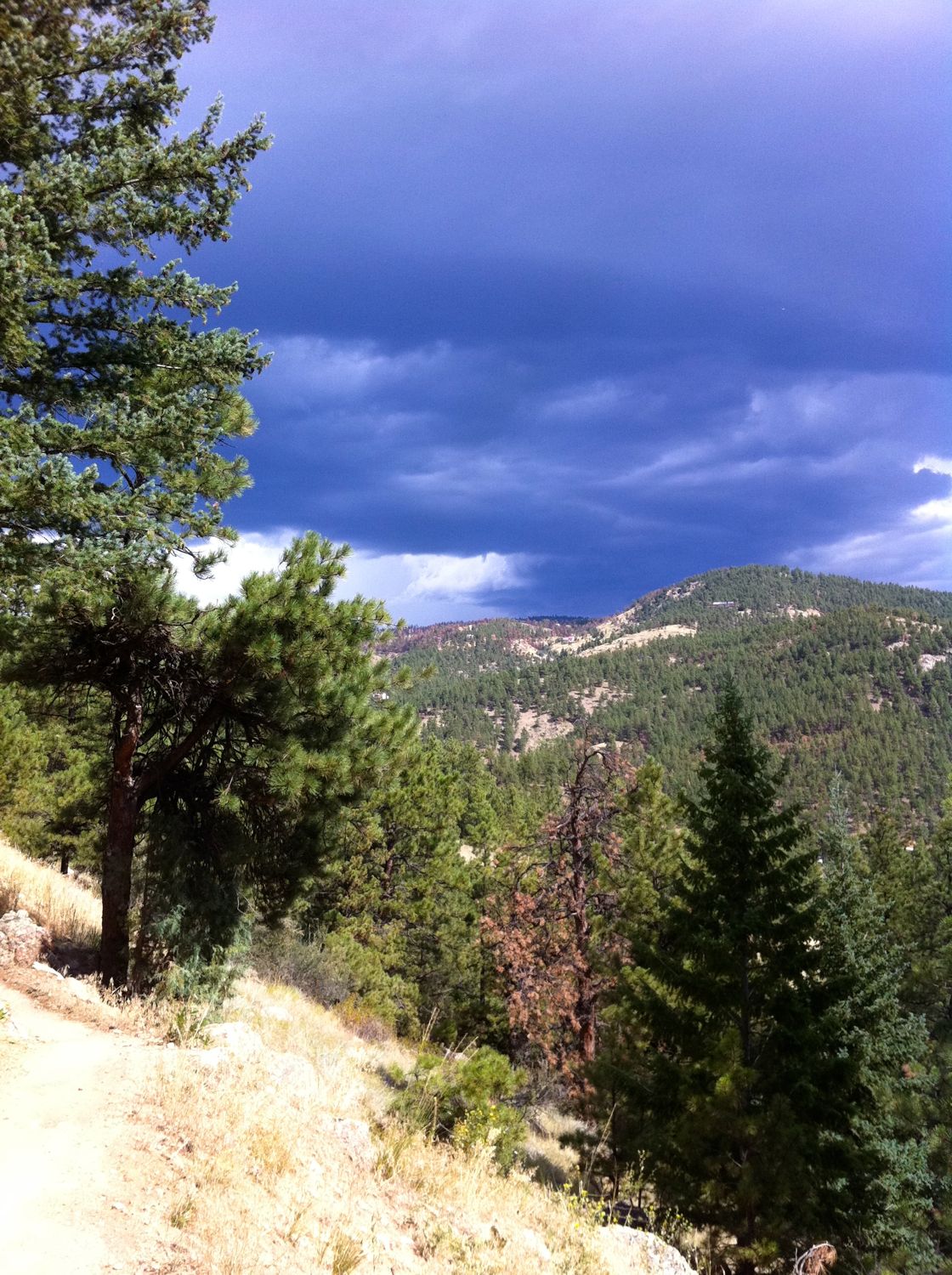
Seen today from Betasso Preserve on my bike ride. There was no rain or visible lightning, but there was some wind and thunder.
more ...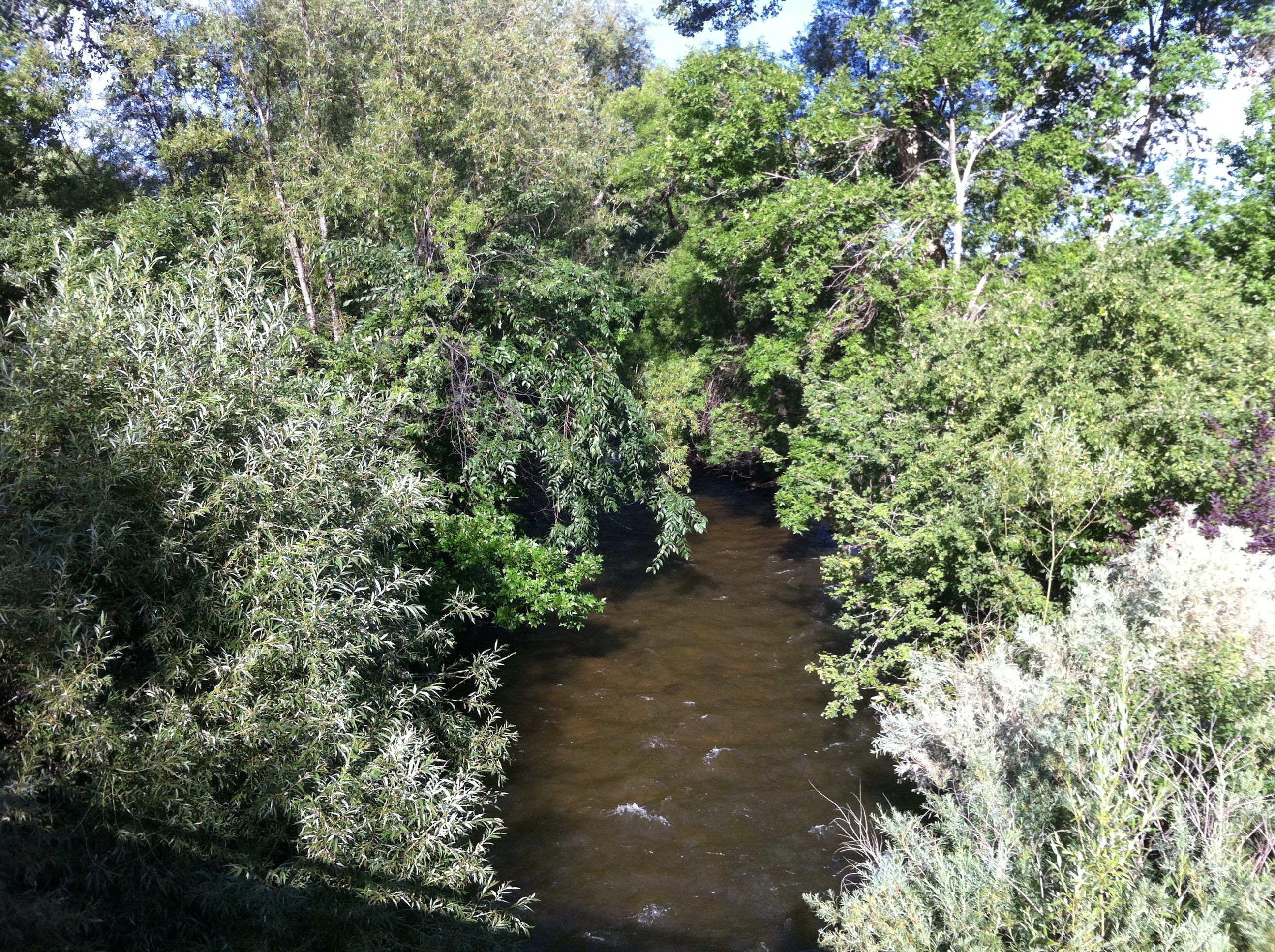
Boulder Canyon
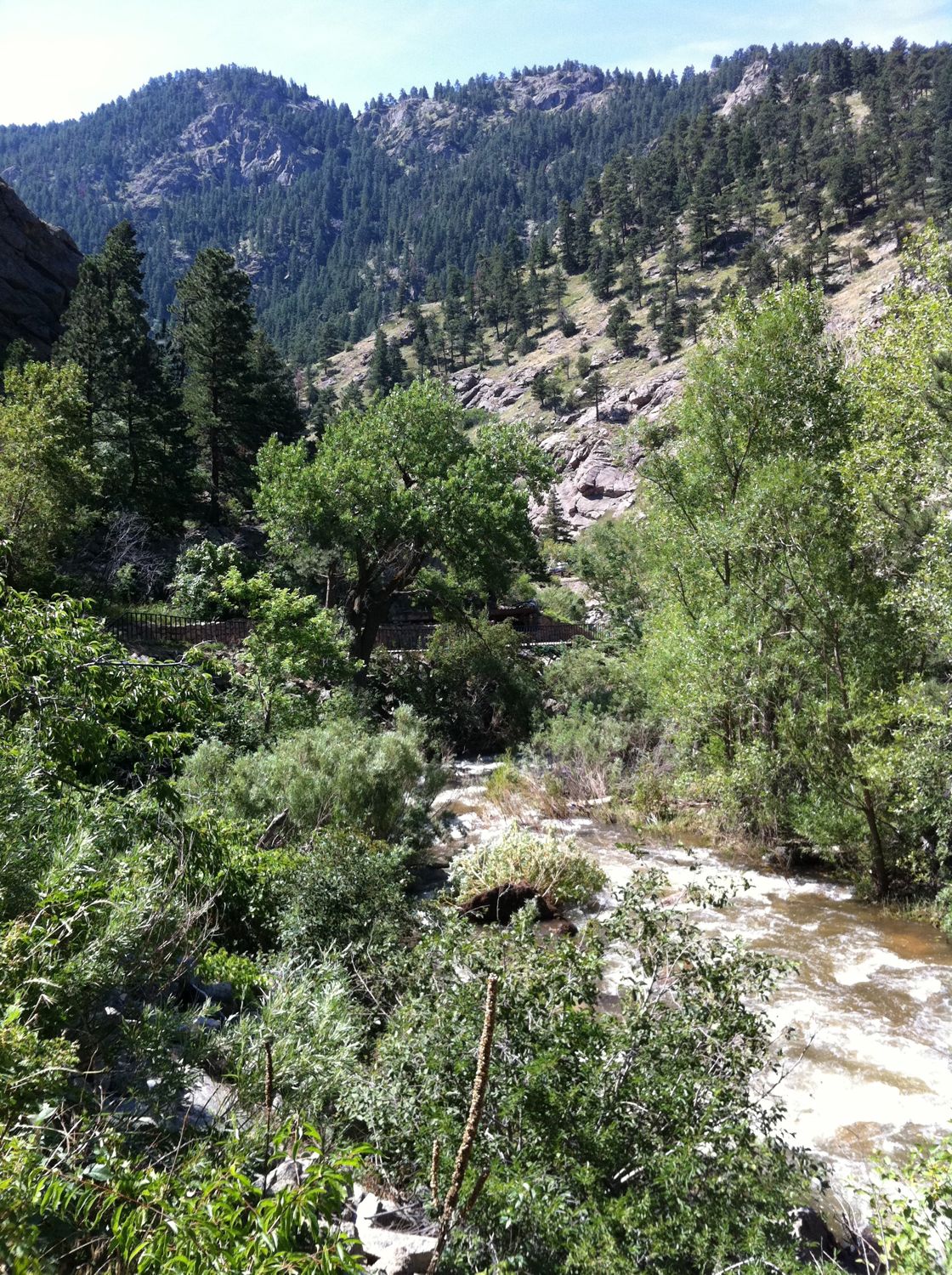
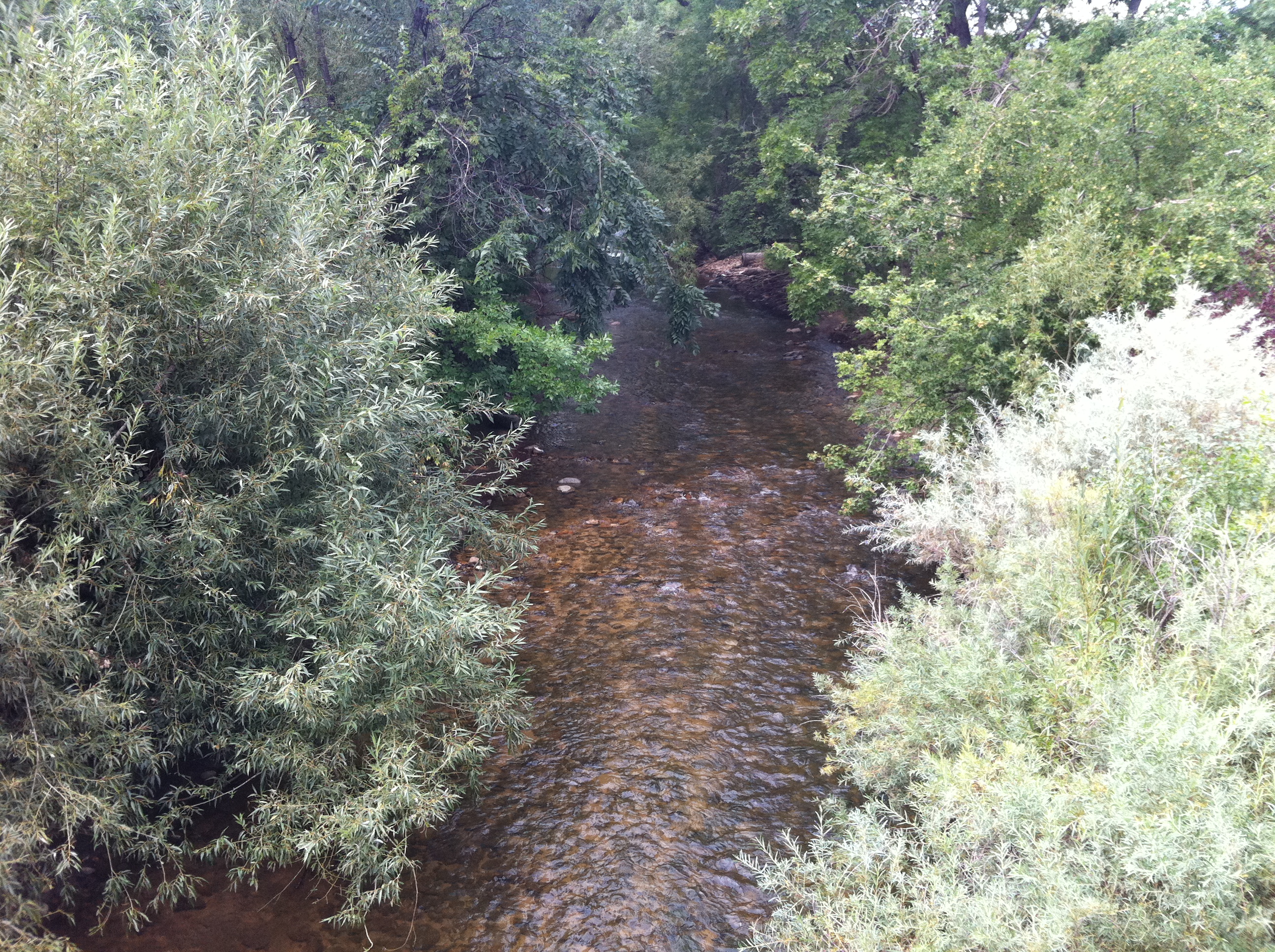
In yesterday’s post, I mentioned that Rocky Mountain National Park is less than an hour away by car. Having the park so close is certainly a good reason to visit it often. However, there is stuff like this (below) in Boulder Canyon, which is only about 15 minutes away from our place by bicycle. This picture is from this morning's mountain bike ride. I guess what I'm really trying to say is, this is a nice place to live and do stuff outdoors!
more ...Some Rocky Mountain NP Pics
Twice in the last two weeks we have visited Rocky Mountain National Park. A while ago we realized "Hey! We live less than an hour from a National Park! We should visit it more often." And so we are trying to do that. Two weeks ago we went with Melissa's brother, Matt, and his lady friend, Kelly. Today it was just the two of us. Here are some pictures from the two visits.
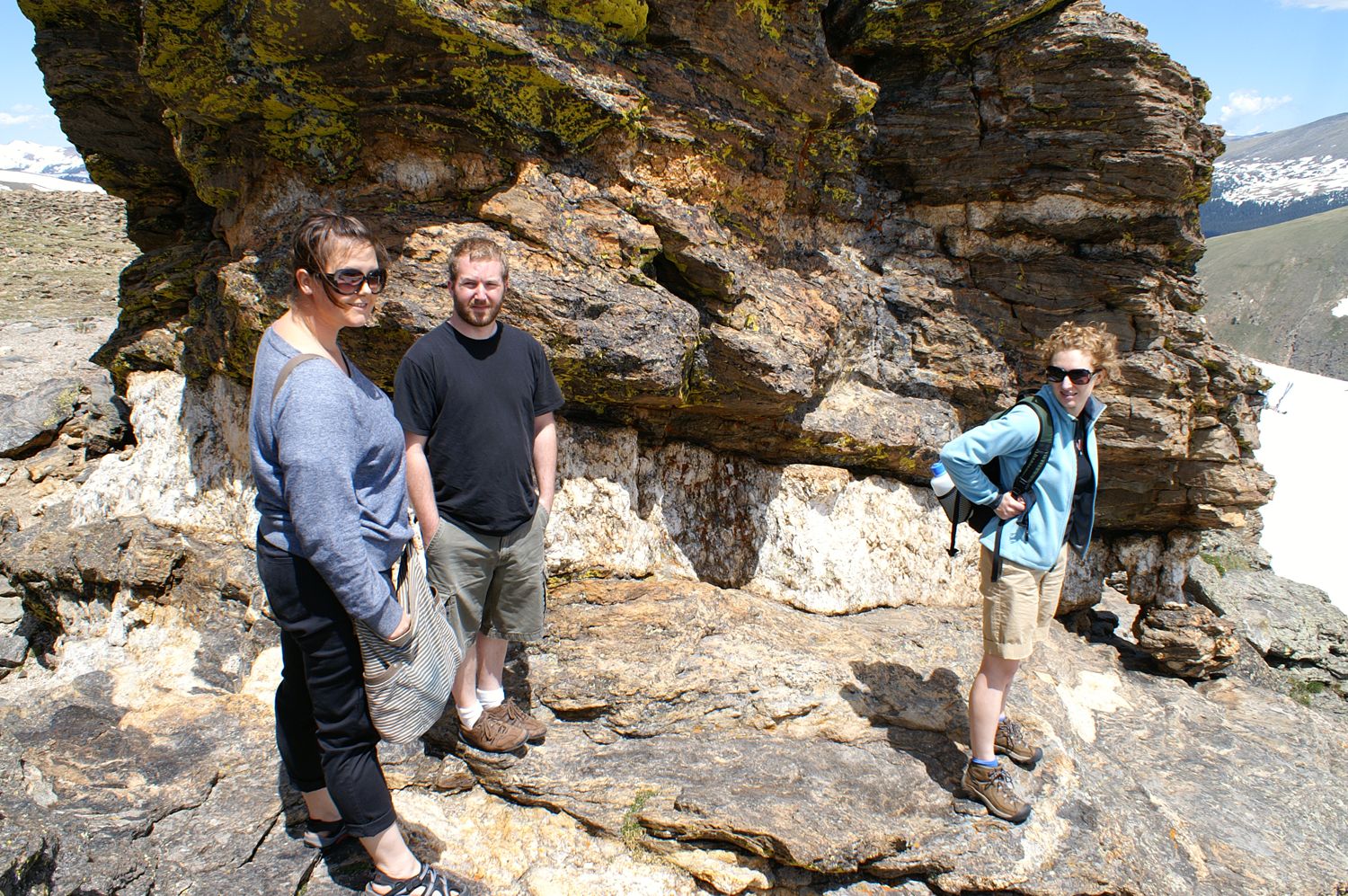
Kelly, Matt and Melissa
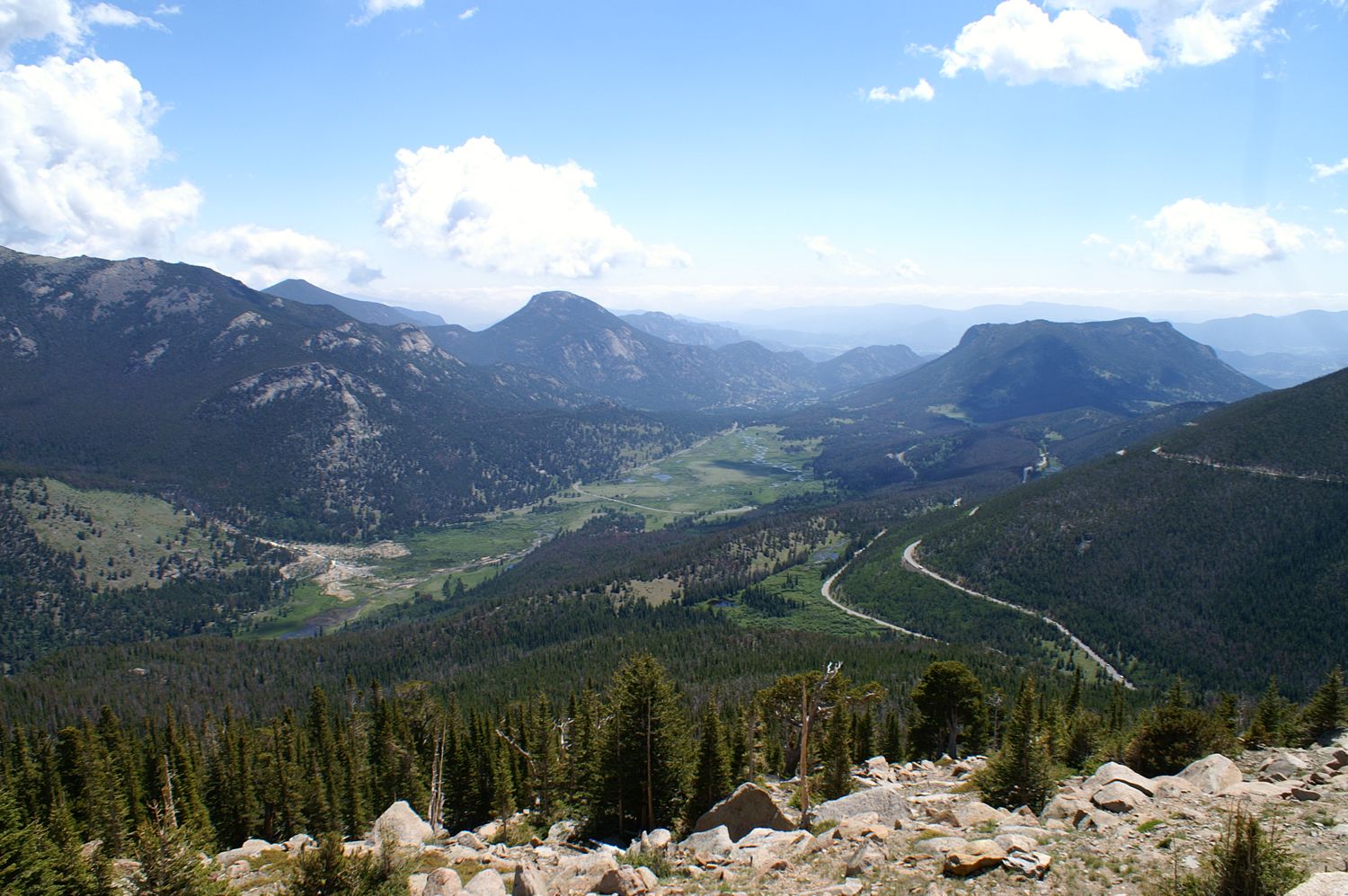
The view from Trail Ridge Road
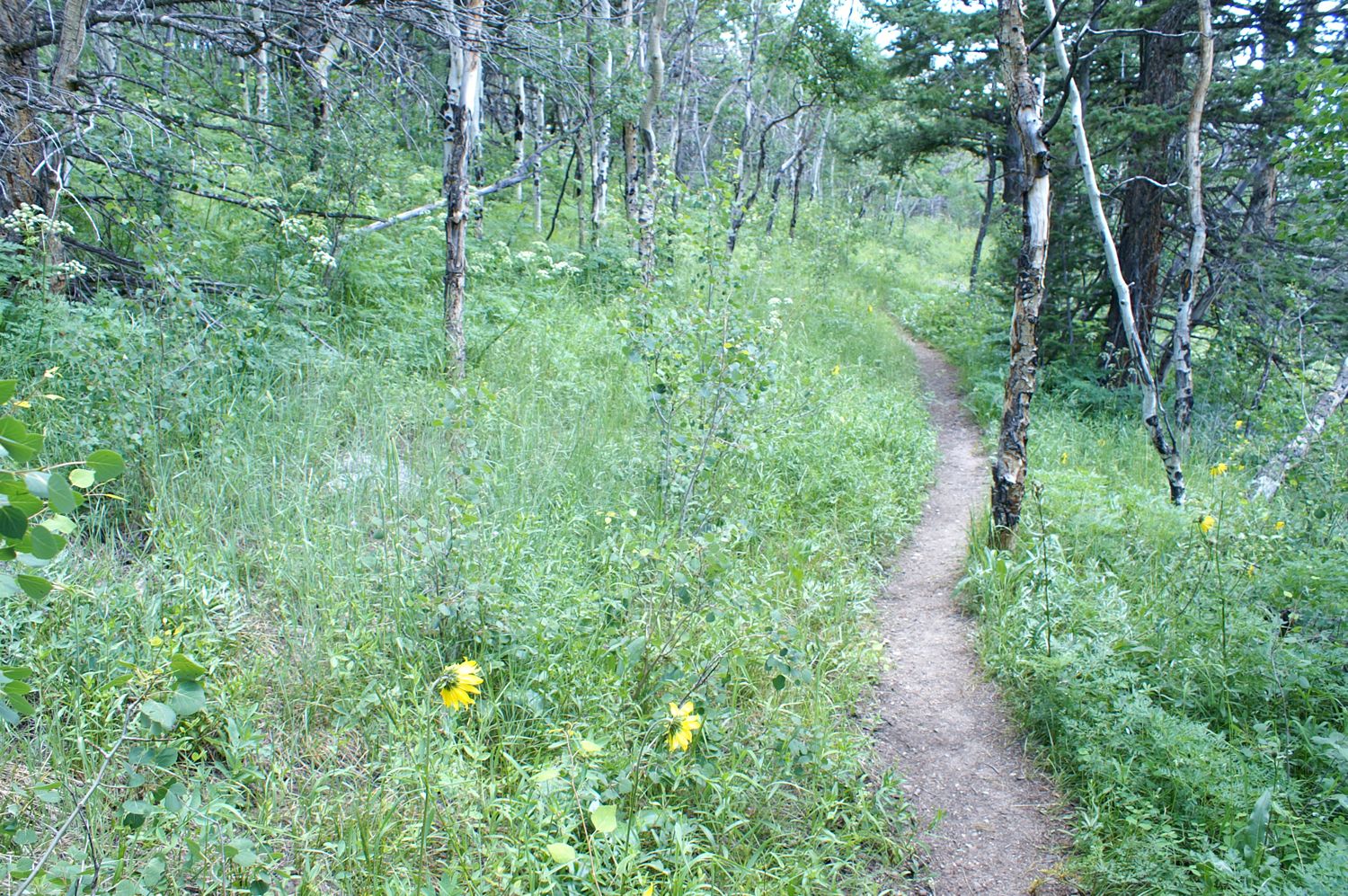
A trail winding through the Aspens

Melissa and Stephen and some rocky peaks
more ...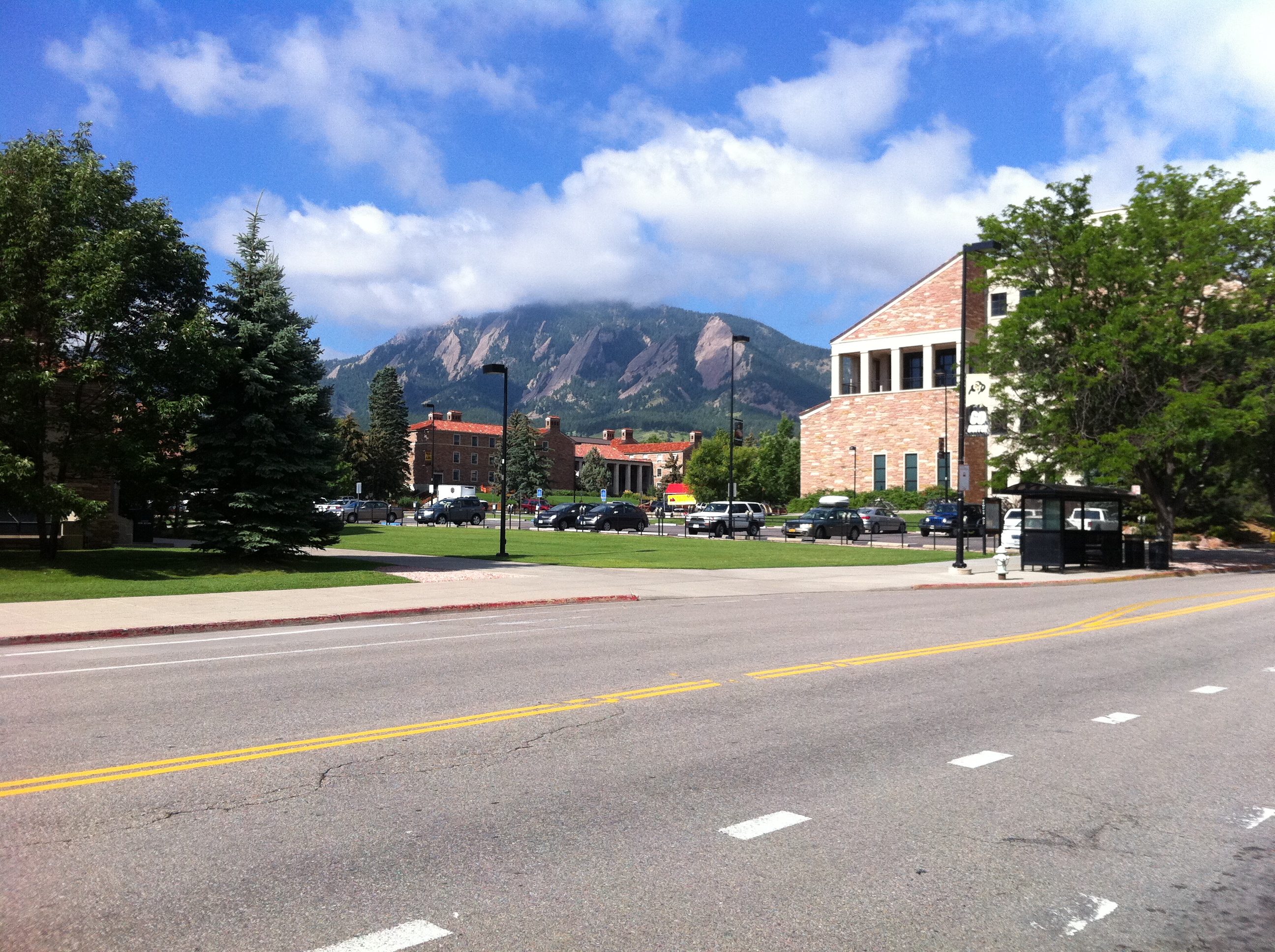
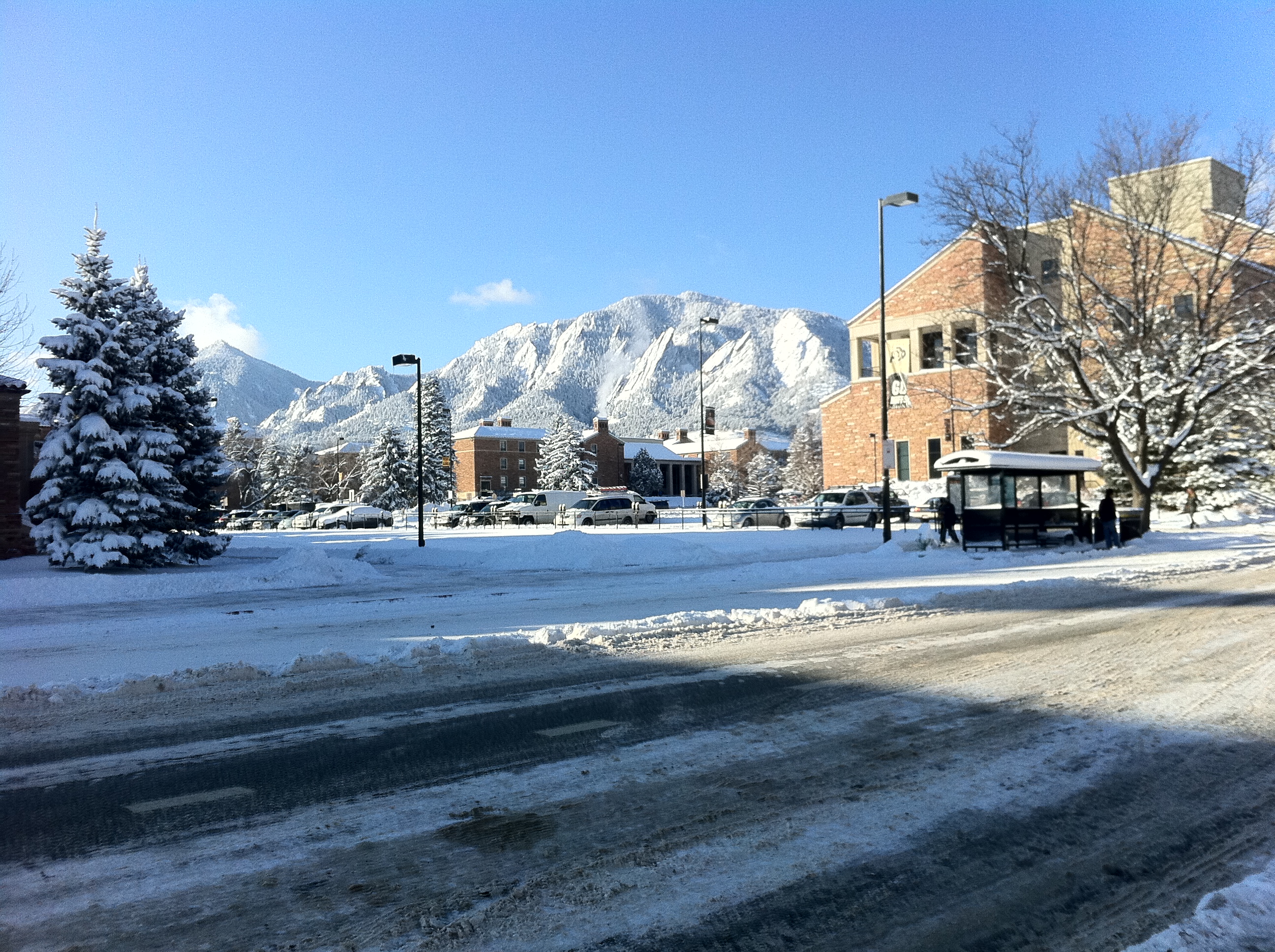
Walker Ranch Panorama
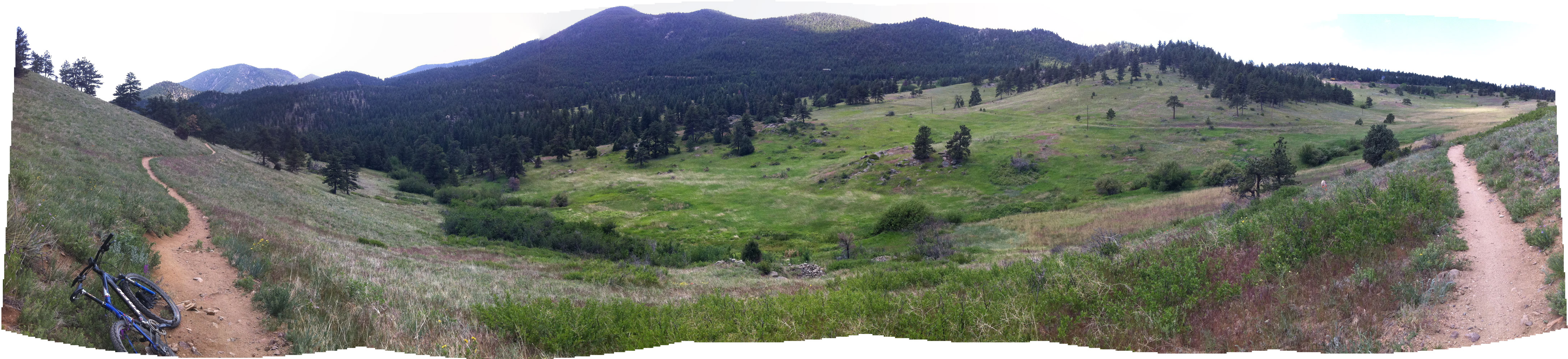
This view is from Walker Ranch taken today, roughly in the center of this map looking south. If you look to the upper right, you can see a few rail cars on the railroad tracks. The tracks lead to the high altitude Moffat Tunnel.
more ...Tom Petty and the Heartbreakers – Hard Promises
I just love the anachronism that is the cover of this album. I'm not talking about the plaid shirt Tom Petty is wearing (which is in fact cool again thanks to hipsters), or his leather jacket. No, I'm looking at the racks of records in the background, and especially the display stand of 45 single records. No doubt the goal of the photo was to put Tom in a cool and hip situation, and I say "mission accomplished!". Styles are cyclical, and LP records are presently cool (this time only partly thanks to hipsters, but also to luddites who like the sound of analog music), but 45 singles are much more rare now. My theory is that the kind of person who will get up out of their seat to change or flip a LP, instead of clicking a mouse a couple times, is not someone who would buy just a song or two from an artist. They buy the whole album and listen to it while drinking their microbrews and eating non-pasteurized cheeses. Single-song purchasers are the ones who now go to iTunes and download the latest hot single from the latest generic pop music sensation.
On to the actual content of the album Hard Promises by Tom Petty and the Heartbreakers (TPatHs). I've been a fan of TPatHs for a while, so I had already heard many of the songs on this album. There are a few weaker songs (like "Insider") but overall the songs are entertaining. It's typical TPatHs. I have, in fact, actually seen TPatHs live, in Atlanta, of all places. I can say that Mike Campbell is an excellent guitarist and that Tom Petty was definitely high during the concert.
One of the stated goals of this project is to see how popular music has changed over my lifetime. TPatHs are kind of a counter-example to this. TPatHs are still making music that doesn't sound all that different from what they were doing 35 years ago. This is not a bad thing, per se, because good music is good music. I will say that if TPatHs have changed, they have gotten less rock-n-roll and a bit more bluesy, but it's not a big change.
In summary, if you like any TPatHs, you should check out this album.
more ...Van Halen – Fair Warning
Yet again, I've fallen behind on my album schedule, so this will be brief. Fair Warning by Van Halen, hasn't made much of an impression upon me.
more ...
Kim Carnes – Mistaken Identity
I was going to accuse Kim Carnes of being a one-hit wonder with "Bette Davis Eyes" (which went to #1 on the charts, is the lead track of Mistaken Identity and the only song I had heard from this album previously), but I suspect that's because her main genre is Country, and I never listen to Country. She is apparently very prolific and is active even today as a producer with the popular act Kings of Leon.
But the fact that she's not a one hit wonder doesn't change the (other) fact that I generally found this album to be merely fine. Not at all terrible, but not interesting to me. To her credit she has an excellent singing voice, the music is not slipshod, and the lyrics are not nonsensical, but it just didn't appeal to me. My recommendation is to skip this album. However, if you do listen to it and you like it, I won't accuse you of having bad taste in music. Now, if you admit to liking Yoko Ono's music...
more ...My New Amusement Park
Yesterday the Valmont Mountain Bike Park opened up to the public, and today I went over to check it out. The park has been discussed for many years, and developed over the last few, so it's quite a moment for cyclists in Boulder. The park is oriented towards rider development of all ages. Each type of feature, such as cross-country or aerial areas, have options targeted towards riders of all ability levels. And even if you get yourself into something you can't handle, there are bailout options to get around things.
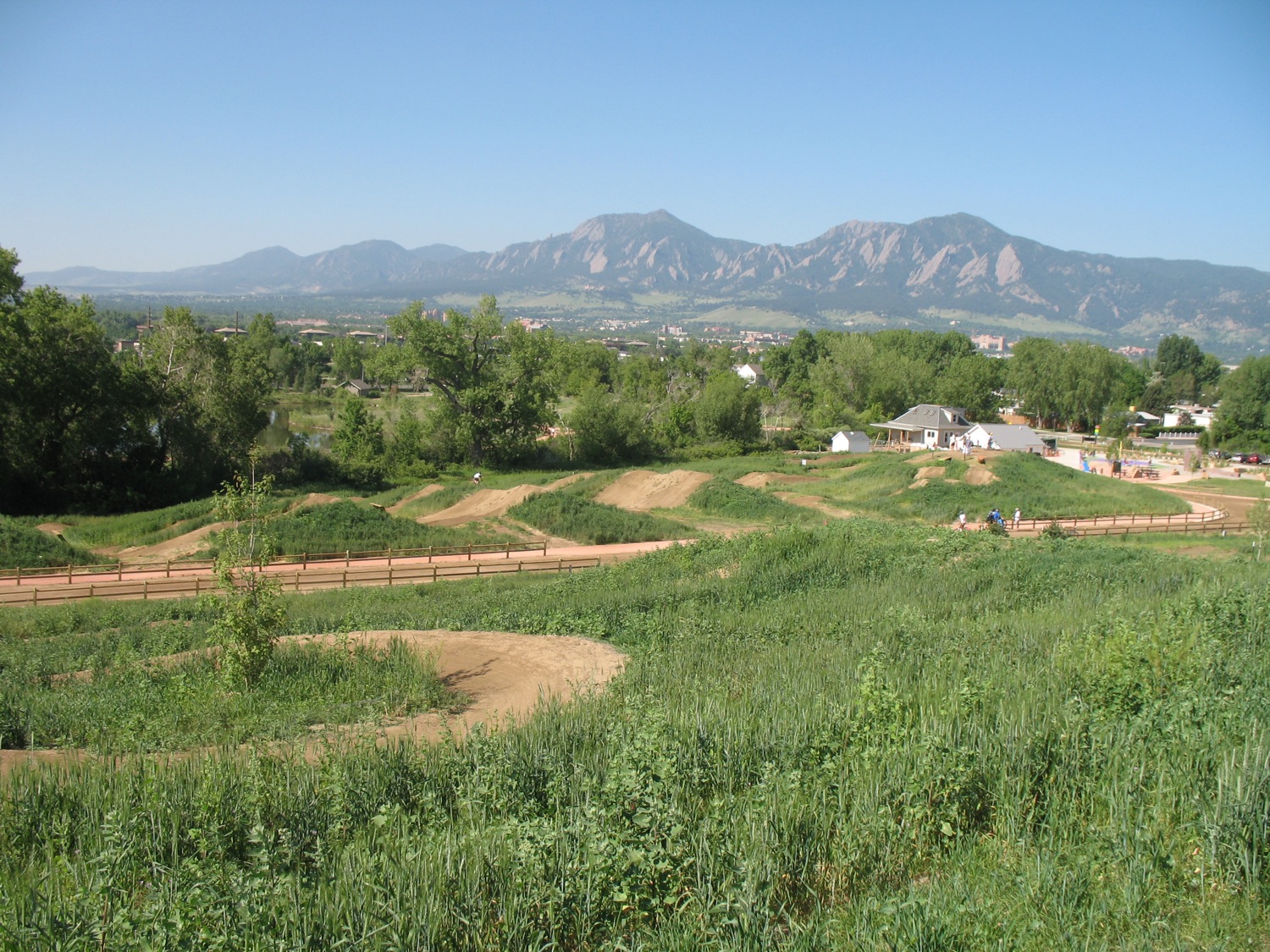
Dirt Jumps in the foreground, Boulder in the background.
The park is quite extensive and the designers have taken advantage of all the space they had available. Each trail feature is accessible by shared bike/walk trails, so parents can keep an eye on their kids even if they aren't on a bike. Running down the middle of the park are two irrigation ditches (which is a crude description of them, they are much nicer than that) which splits the park into smaller sections. The smaller sections keeps things more intimate which is good in a park that will tend to get very busy. Nearly all of the single track trails are one way, which is very nice. Right now the vegetation is low so it actually isn't a huge problem, but it is always very startling to come around a corner upon someone coming the other way.
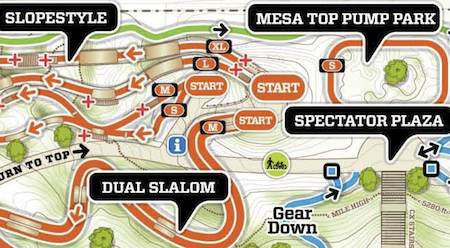
A small section of the park. Click for the full PDF of the trails.
To be honest, much of the park makes me feel like I have no skillz (yes, that's skills with a "z"). Even the Skillz Loop, which is designed to be a place to learn skillz without being pressured by better riders to get out of the way challenges me. I tried most of the trails today, but not all of the technical options, especially stuff like this:
The park has two pump tracks, and I had fun riding one of them (Mesa Top) many times. The other one (Creekside) I did once, but it was very muddy and I didn't want to ruin the pump track or get any dirtier than I was already.
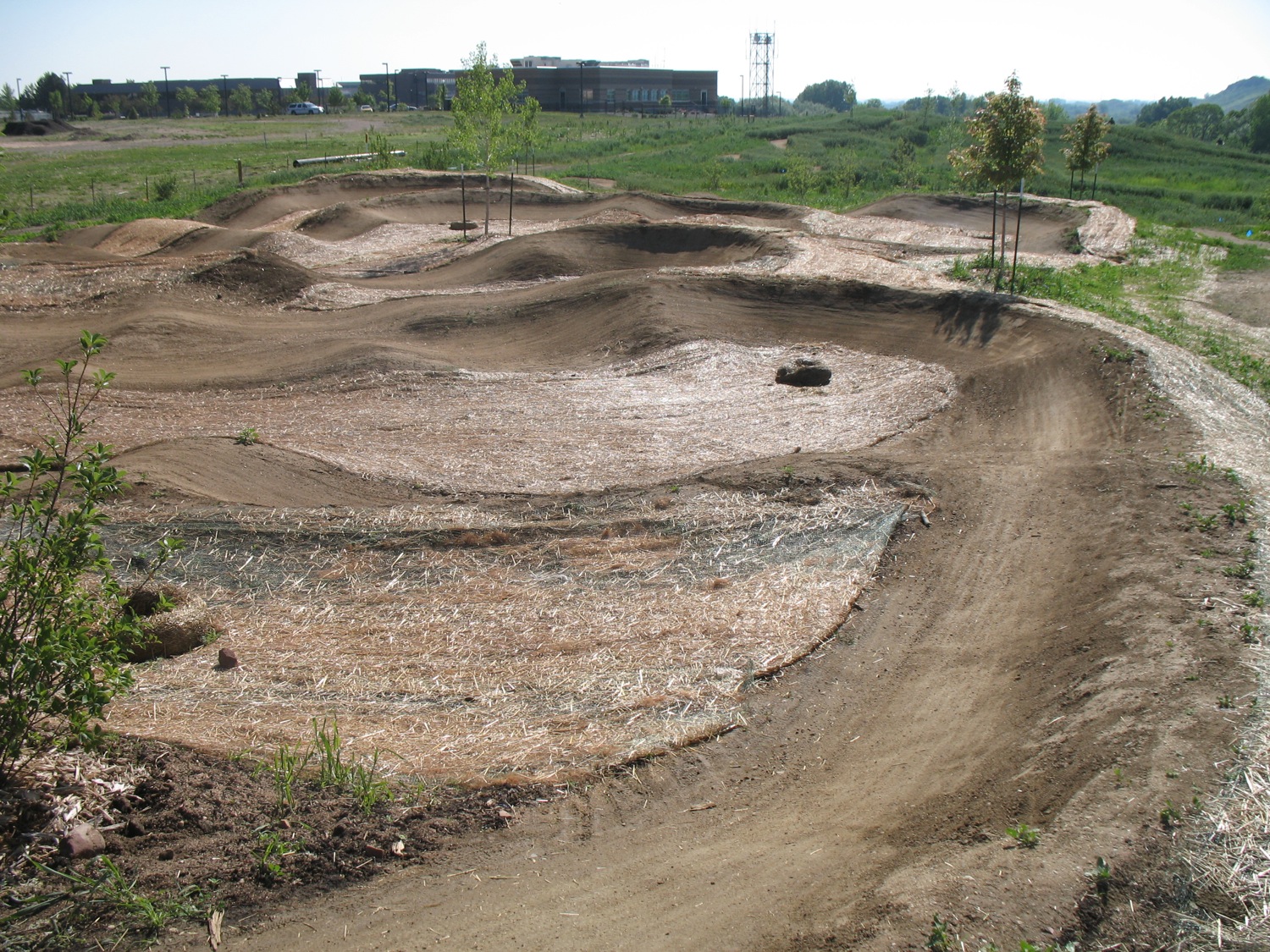
The Mesa Top Pump Park
I'm really excited about this new facility, and I hope to slowly improve my skillz over time at the park. It's only a couple kilometers away from where we live, so it's really convenient even if I only have an hour free. My only complaint right now about the park is it's clear they haven't quite figured out how to do the drainage from the sprinklers, because there are more than a few muddy spots around the park that contribute to trail destruction at an accelerated pace.
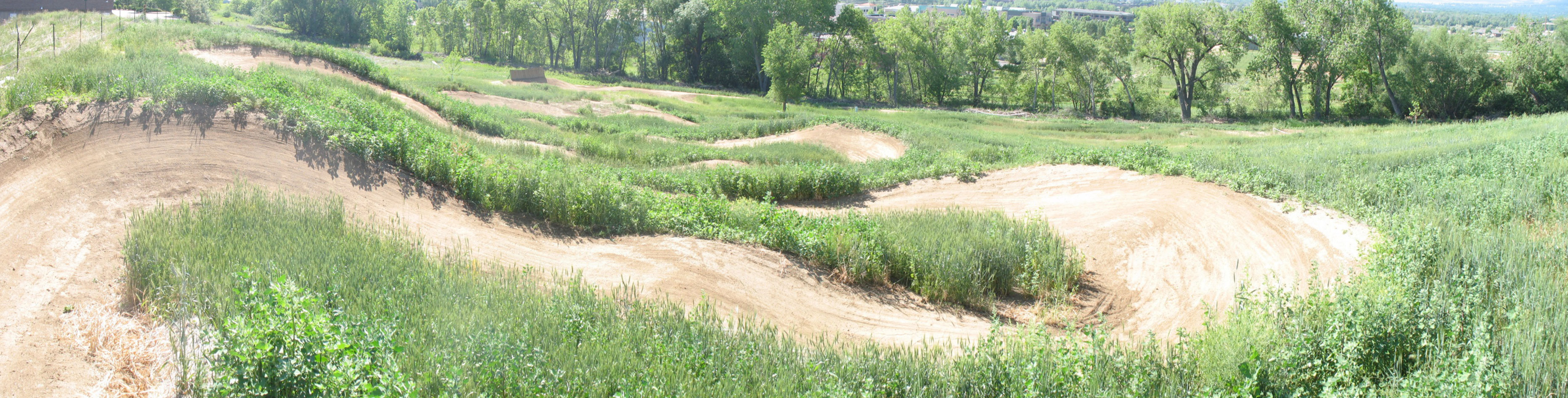
The Corkscrew, with steeply banked corners, viewed from the top.
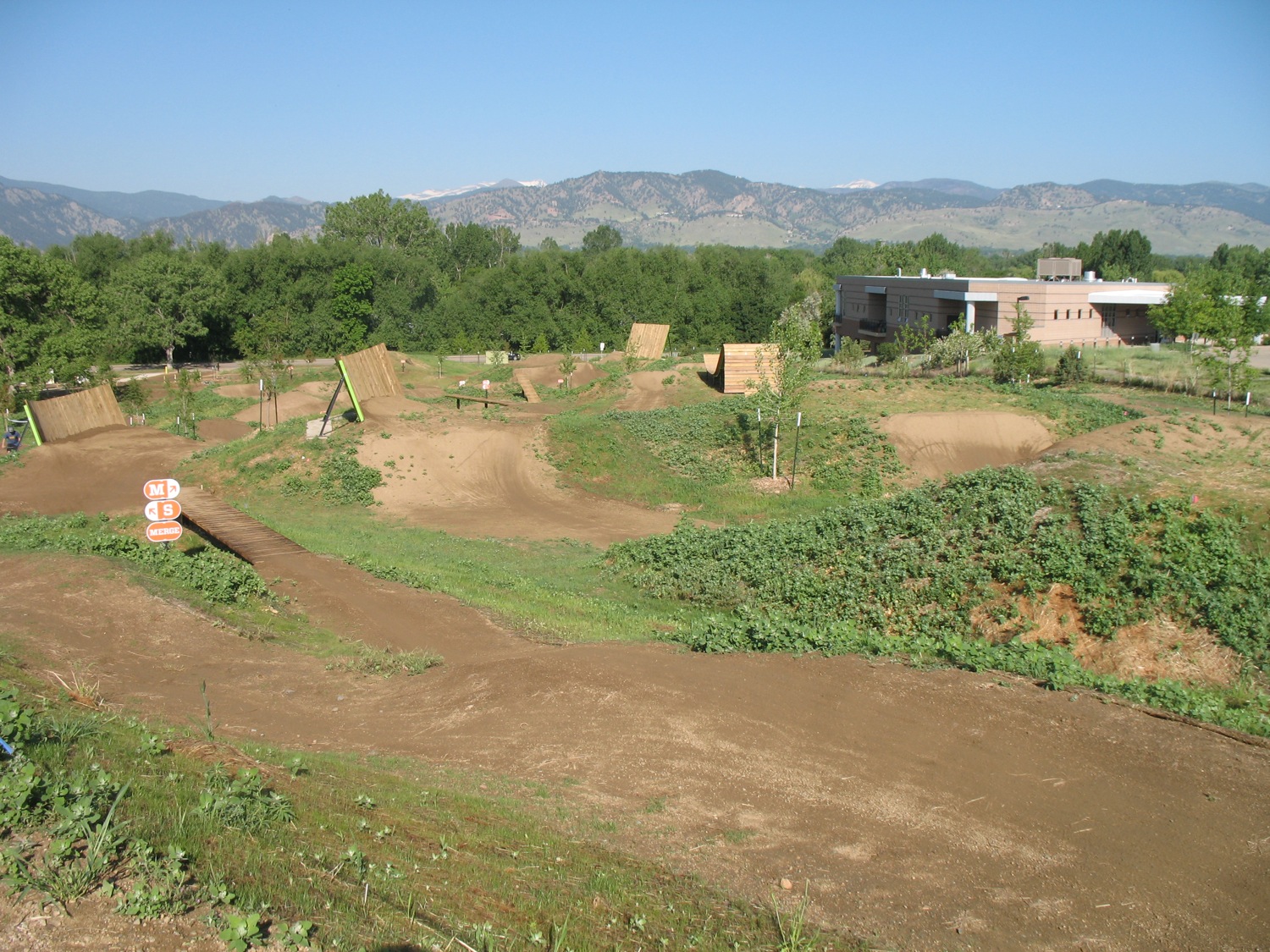
The Slopestyle aerial trails area.
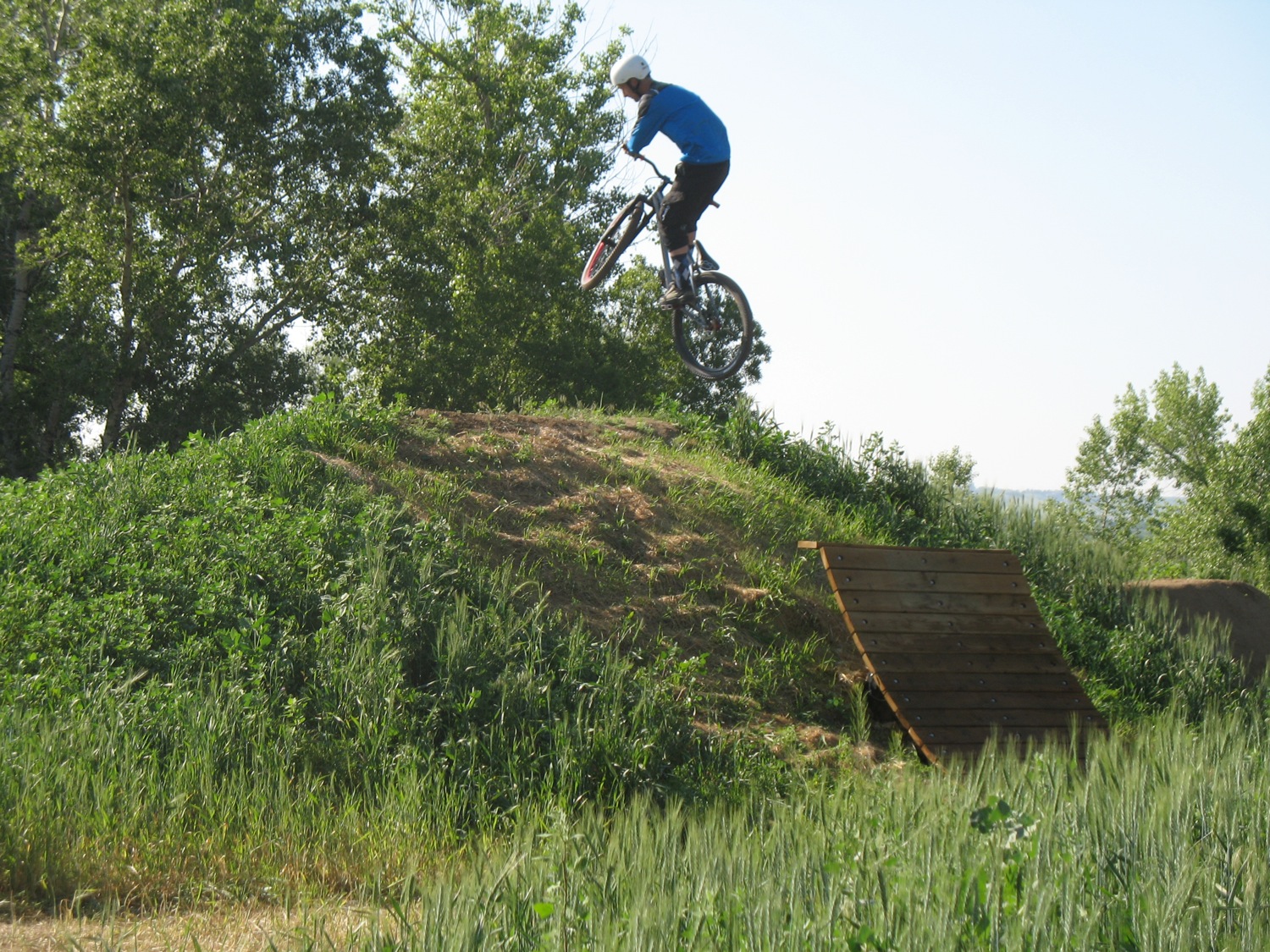
Someday this could be me!
more ...